The Next Step for Admin Platforms Is CLI and Skill
A reflection on why admin and configuration platforms should stop exposing their capabilities only through pages, and start turning operations into CLI commands and agent-readable skills.
I have been getting a little tired of admin forms lately.
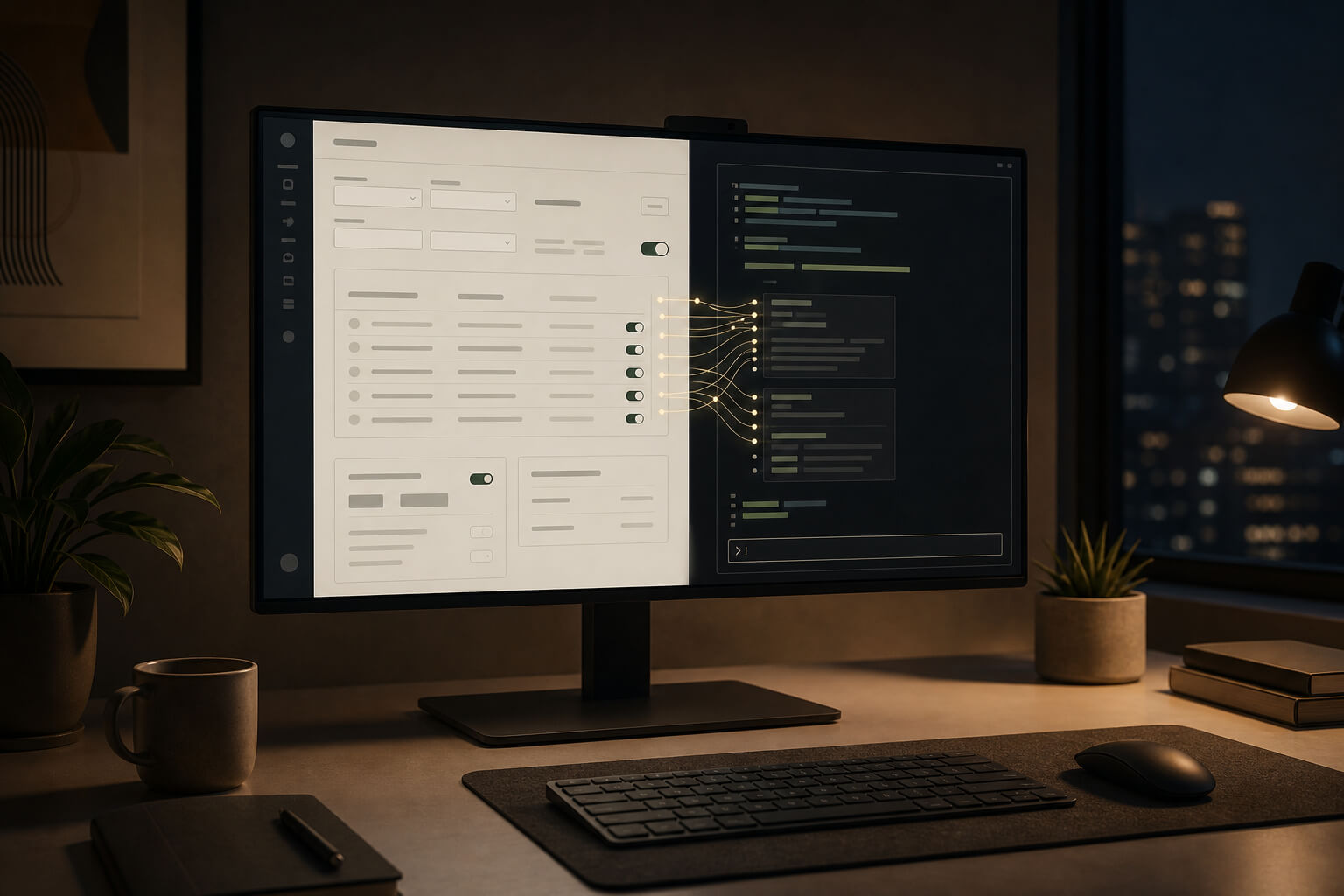
Not because one particular page is terrible, and not because some component library invented another strange interaction. The annoying part is something else: many admin systems look like they have a lot of modules, but once you peel them apart, they repeat the same kind of action.
Open a list. Click create. Fill in name, time, scope, priority, budget, material, target URL. Save. Submit for approval. Wait for it to take effect. Switch to another business module, and the fields change, but the flow does not change much. Switch again to a technical configuration platform, and it is still close: change a flag, tune a threshold, pick an environment, inspect the diff, publish, rollback.
Of course admin platforms are not only forms. They have lists, charts, approval flows, permissions, imports, exports, logs, and dashboards. But the high-frequency work often returns to a few plain actions:
Read some data. Change some configuration. Trigger a task.
To say it more directly, many admin platforms are interfaces wrapped around APIs so that humans can operate them.
That wrapper used to be necessary. You cannot ask operations people to change campaigns with curl. You cannot ask customer support to connect to a database and update status fields. You cannot ask business users to remember dozens of API parameters. Pages block risk, spread fields out, add permissions and validation, and at least let people know what they are doing.
But after AI agents appeared, that assumption started to shift.
Pages still matter. But pages should not be the only entrance to a platform’s capabilities.
Chinese version of this article
Admin Pages Protect People
When I built admin systems in the past, I was fairly tolerant of complex forms.
A campaign configuration page with dozens of fields is not necessarily a product manager committing a crime. Campaigns really do have time windows, inventory, channels, audiences, materials, budget, risk control, gradual rollout, and fallback behavior. If the page does not lay these things out, people are more likely to cause incidents.
Many verbose admin pages are actually protecting the operator.
They encode rules such as “this field cannot be empty”, “this city cannot be targeted”, “this budget requires approval”, and “this slot cannot carry two campaigns at the same time” into the page and backend validation. Operations may move more slowly, but slow is still better than a misconfigured production campaign.
The problem is that this design assumes one thing: every detail has to be completed by a human, step by step.
Before AI, that default made sense. If humans do not fill in the forms, who will? If humans do not click publish, who will? But agents can now read documents, inspect APIs, generate parameters, run commands, check results, and then ask people to confirm. Keeping every capability hidden behind pages begins to feel wasteful.
What is worse, asking an agent to operate a GUI is often awkward.
Where is the button? Did the modal open? Which page of the table is visible? Is the field collapsed? These are interface details for humans, but noise for agents. An agent does not need a polished sidebar or an 8px rounded button. It needs a stable entrance:
ops campaign preview --id 123 --format json
ops campaign publish --id 123 --dry-run
ops campaign rollback --id 123 --reason "inventory config error"
These commands are not pretty, but they are readable by machines and inspectable by humans.
CLI Fits Agents Better Than Pages
Developer tools have already demonstrated this many times.
git status, pnpm test, kubectl get pods -o json, and gh pr create do not have much product packaging, but agents use them smoothly. The reason is simple: input is text, output is controllable, failure has an exit code, the process can be recorded, and commands can be chained.
If an admin platform is only for humans, GUI is the natural choice.
But if the same platform also needs to serve agents, CLI is hard to avoid.
The benefit of CLI is not that it is sophisticated. The benefit is that it is plain enough. It can be called by a shell, by CI, by scripts, by a logging system, and reproduced locally. When something goes wrong, people do not have to remember “which button did I click?” They can look at the command, the parameters, the request id, and the approval record.
That matters for admin systems.
Admin operations are usually not toys. One configuration may affect campaign revenue. One flag may change a user path. One policy threshold may touch risk control. Agents can execute, but the execution must leave a trace. CLI is much more reliable than GUI automation for that job.
So I increasingly think admin platforms should have two entrances.
GUI for people to inspect. CLI for agents to run.
Not replacement. Division of labor.
Operators Should Confirm Plans, Not Fill Fields
There is a larger shift here: what should an operations person actually be responsible for?
In many admin workflows today, operations people carry too much mechanical work. The business goal is “run a May Day campaign”, but inside the admin system it becomes filling in a pile of fields, copying material URLs, and checking a pile of switches against a document.
What people should really judge is not how every parameter is assembled.
People should confirm the plan: who sees the campaign, when it starts, how much budget it uses, whether inventory is enough, whether it conflicts with another campaign, how it can be stopped, and which actions need approval.
How many records that plan creates, which APIs it calls, and which systems it syncs to can be handled by an agent.
A more reasonable flow would look like this:
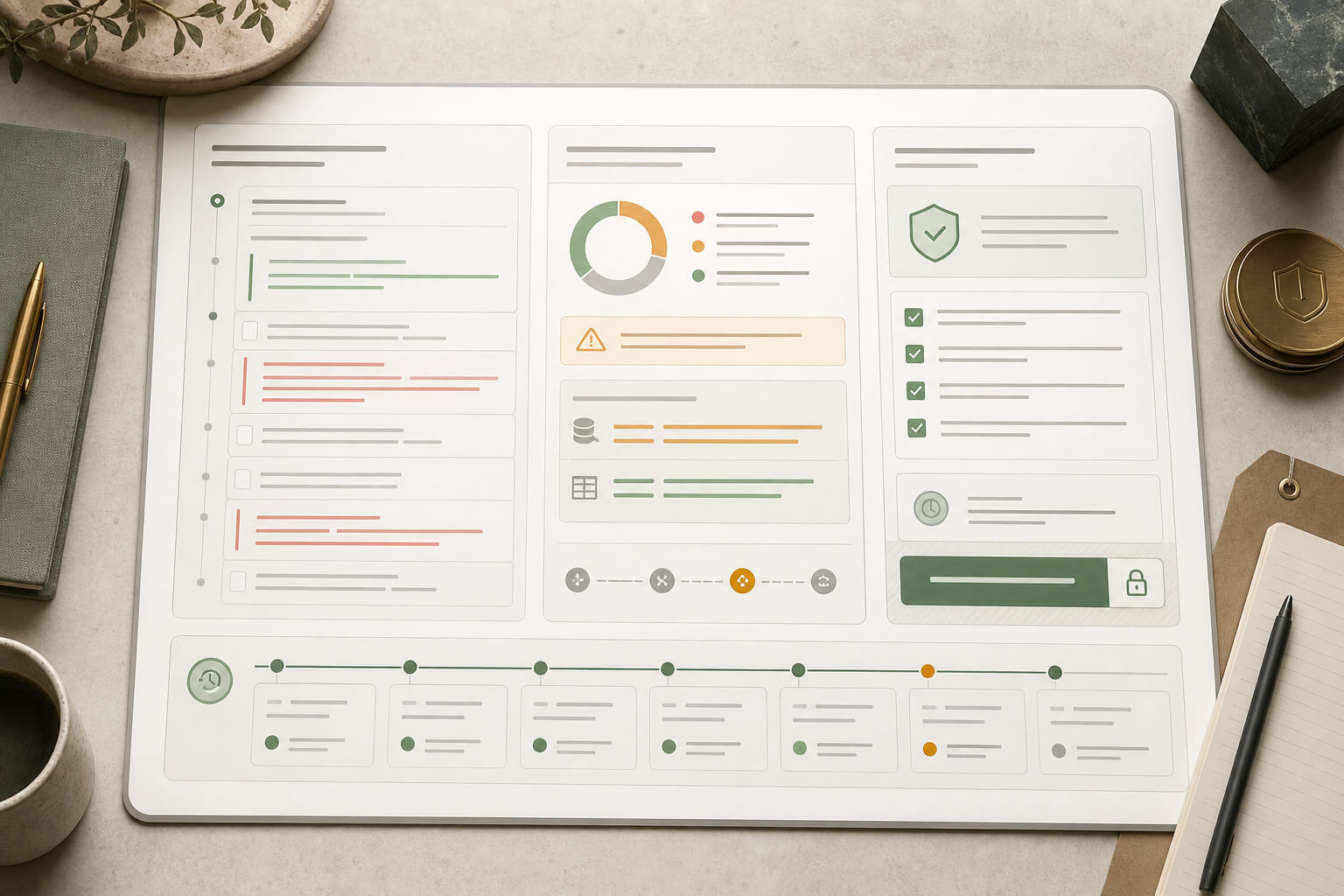
Operations states the goal. The agent generates a configuration plan.
The CLI runs a dry-run and lists what will change.
The human reviews impact, risk, and rollback.
After approval, execution happens.
After execution, the agent checks the result.
This does not remove people from the process. It moves people away from being form-filling machines.
Manual operations went through a similar transition. At first, someone logged into machines and typed commands. Later, the work moved into scripts, pipelines, approvals, and rollbacks. Humans remained, but they no longer had to memorize every tiny step.
Operations admin systems will probably walk the same road.
Skill Is Where Experience Lives
CLI alone is not enough.
CLI says what the platform can do. The difficult part of admin work is often not whether an API can be called, but whether it should be called in this situation.
For example, creating a campaign may look simple as a command:
ops campaign create --name "May Day Campaign" --city shanghai --start 2026-05-01 --end 2026-05-05
The hard parts are elsewhere.
Can a new-user campaign overlap with a reactivation campaign? At what budget does approval become mandatory? Can a gray release city be expanded directly to nationwide traffic? Should material size be checked before a slot goes live? Should last week’s data be reviewed before changing a policy? Why does an old teammate always say “do not touch this field” even though the page allows it?
That knowledge used to be scattered everywhere: PRDs, internal documents, group chats, page hints, code comments, and the kind of experience everyone knows but nobody quite writes down.
That is what Skill should catch.
By Skill, I do not mean renaming help documents. It should be closer to an operating procedure: when this kind of task appears, what should be checked first, which command should be run next, which parameters require human confirmation, which output must be verified, and how to recover after failure.
Without Skill, an agent merely knows how to call APIs.
That is dangerous.
It may know how to create a campaign, but not that a certain channel should not be published after 10 p.m. It may know how to batch update, but not that an export should be made first. It may know how to change a risk-control threshold, but not that the threshold is connected to a live complaint path.
What admin systems need to preserve is not only pages and APIs, but judgment that smells like real production trouble.
Technical Configuration Platforms Have the Same Problem
This is not only about operations admin systems.
Technical configuration platforms have the same problem, and maybe a more urgent one.
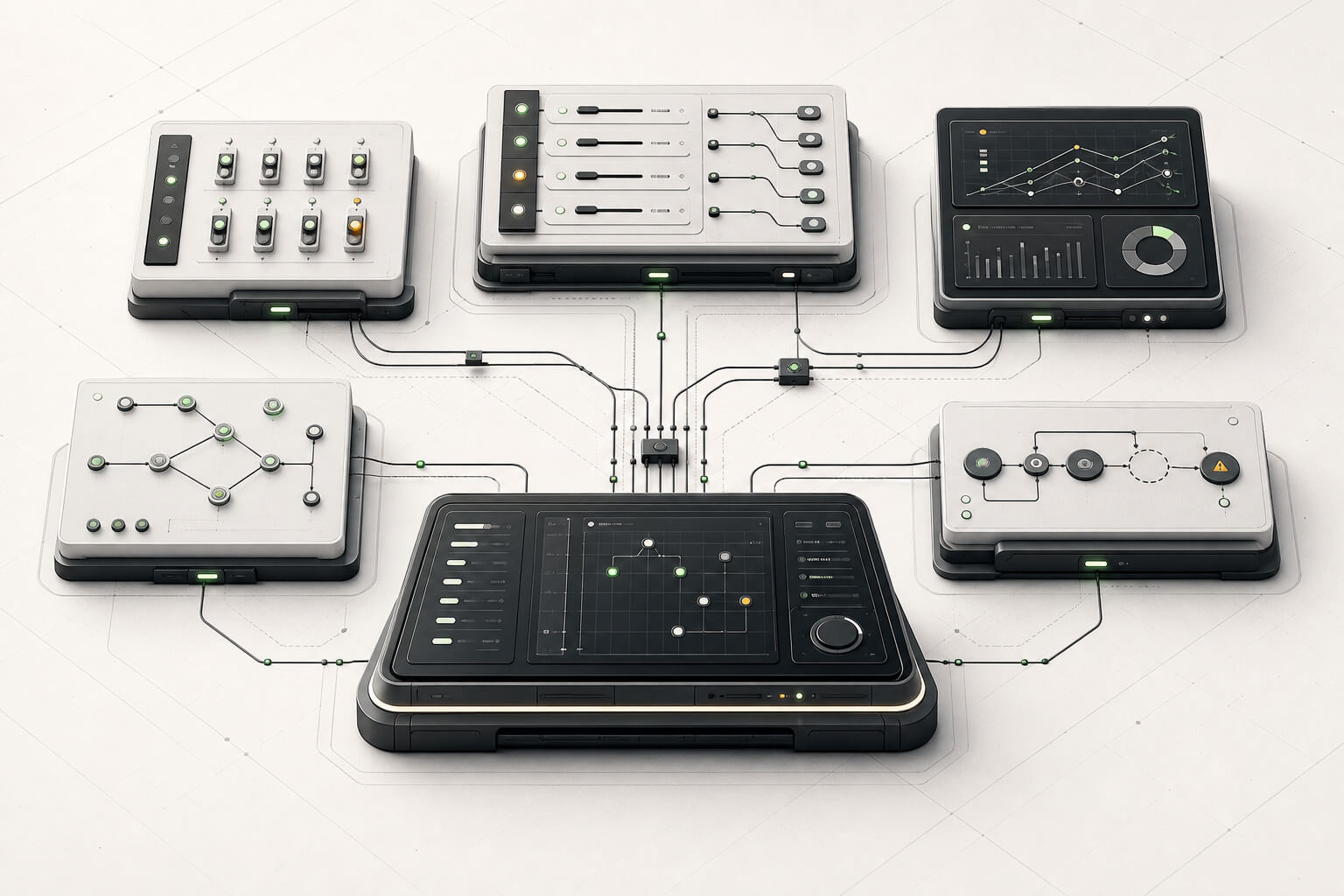
AB experiments, gateway routes, recommendation policies, risk-control rules, permission systems, monitoring alerts, CI/CD, task scheduling, and feature flags may look like tools for engineers, algorithms, operations, and data teams. In practice, they also involve a large amount of configuration work.
Many of these platforms eventually end up in a familiar place: another admin UI.
The page is not the problem. Having only the page is the problem.
Technical users are usually not afraid of command lines. These platforms also tend to care more about APIs, permissions, and audit trails. Yet their capabilities are often wrapped inside page after page, and agents have to take a detour to use them.
The more practical issue is that technical configuration often crosses systems.
One release may involve changing a feature flag, updating a configuration center, refreshing a gateway, checking monitoring, attaching alerts, and preparing a rollback. Humans jump across several systems by experience. If an agent does not have a unified CLI and Skill, it has to guess. Guessing around production systems does not sound pleasant.
So the claim can be widened a bit:
Any platform that changes configuration, changes data, or triggers tasks through APIs should consider CLI + Skill.
It does not have to happen all at once, but the direction is worth setting.
Choosing Tools
Implementation depends on the starting point.
If the platform already has stable APIs, especially an OpenAPI contract, generating an SDK or CLI from that contract is the most direct path. Speakeasy and Stainless both support generating CLIs from OpenAPI. OpenAPI Generator can also generate client code, although a good business CLI still needs another layer of design on top.
If there is no stable API, or if the target is existing software, desktop tooling, or a legacy system, HKUDS/CLI-Anything is worth looking at. It is closer to adding an agent-usable CLI harness to existing software than generating CRUD commands for backend APIs. Its emphasis on JSON output, tests, preview, and Skill matters more than the simple fact that commands can be generated.
MCP is also worth connecting, but I would not make MCP the only entrance.
MCP is a good way to connect tools to models. CLI is more like the platform’s own operating surface. CLI can be run by people, scripts, CI, and agents. Once capabilities are lowered into CLI, connecting MCP or any other agent platform becomes more natural.
My current preferred order is:
First clean up the API contract, then build the CLI, then write the Skill, and only then connect agent platforms.
The order is not absolute, but it is better not to lock the capability into one model platform from the beginning. Admin systems usually outlive one generation of agent frameworks.
Do Not Get Lazy About Login
Once a CLI can change admin data, login and permissions cannot be treated casually.
The easiest thing is to give users long-lived tokens and ask them to put those tokens in local config files. That feels convenient in the short term and painful in the long term. Token leaks, excessive permissions, employee departure, and audit attribution are all old problems.
A more reliable approach is to treat the CLI as a real client.
If the local environment can open a browser, use OAuth/OIDC Authorization Code + PKCE. In remote machines or browserless environments, consider Device Authorization Grant, often called device code flow: the CLI gives a short code, and the human confirms it in a browser.
Tokens should go into the system keychain or credential manager when possible, not plain text in a project directory. High-risk commands should generate a plan instead of executing directly, or require an approval ticket, second confirmation, impact scope, and rollback method.
Permissions cannot be lazy either.
An operator who can create campaigns should not automatically be able to change risk-control policies. Someone who can gray release should not automatically be able to release nationwide. Someone who can rollback should not automatically be able to delete historical data. An agent should inherit the current human’s permissions, not run around with a super-operator account.
If that boundary is not held, CLI + Skill becomes not an efficiency tool, but an incident accelerator.
Admin Pages Will Not Disappear
I do not think admin pages will disappear.
In fact, many pages will become more important.
Their center of gravity will move from “letting humans enter every field” toward “helping humans understand plans and risks.” Which objects will AI change? How many users are affected? Why this configuration? Where is approval now? Did the result after execution look normal? These all need good GUI.
People should not be expected to take business responsibility from a pile of JSON. When someone needs to make the call, a page is still a good cognitive tool.
But high-frequency, rule-bound, verifiable, rollbackable configuration actions should not stay trapped inside forms forever.
In the past, building admin systems meant wrapping APIs into pages so that humans could operate systems.
The next step may be turning operations into auditable, authorized, replayable capabilities, so that agents can execute and humans can judge.
GUI continues to serve humans. CLI serves agents. Skill preserves experience. Approval and audit trails hold the risk.
This sounds simple, but real implementation will certainly have traps. How should commands be designed? How should permissions be sliced? How should Skills be maintained? Which scenarios can execute automatically, and which must stop for a human? All of these have to be tried one by one.
I happen to have an admin system of my own. I will probably use it for an experiment later.
If it turns out that this idea only looked good on paper, that will still be worth writing down. At least from here, the road of endlessly adding more admin forms no longer feels sufficient. In the AI era, admin platforms should not only be clickable by humans. They should also be runnable by agents.
Loading discussion...
Discussion failed to load. Reload